- 1. Upload your photo — a clear photo of yourself (or your group) works best.
- 2. We cut you out — in your browser, no upload.
- 3. Pick a scene — 18 landmarks and generic stages.
- 4. Decorate — stickers, text, date & location stamps, your logo.
- 5. Export — free with a small watermark, or Pro for clean HD.
Make your souvenir
Background removal could not start (the cutout library failed to load). You can still continue: your full photo will be placed in a frame on the scene instead.
Drag the cutout, stickers or text to move them. Click an item to select it, then use the sliders below.
Scene
🔒 scenes are Pro — .
Selected item
Photo light
Stickers
Click a sticker to add it, then drag it on the canvas.
Text & stamps
Your logo
Your logo is placed bottom-right and is only used in your export.
Free export: 1200×800 with a small “Travel Souvenir Maker” watermark. Pro: 1600×1067, no watermark, all scenes.
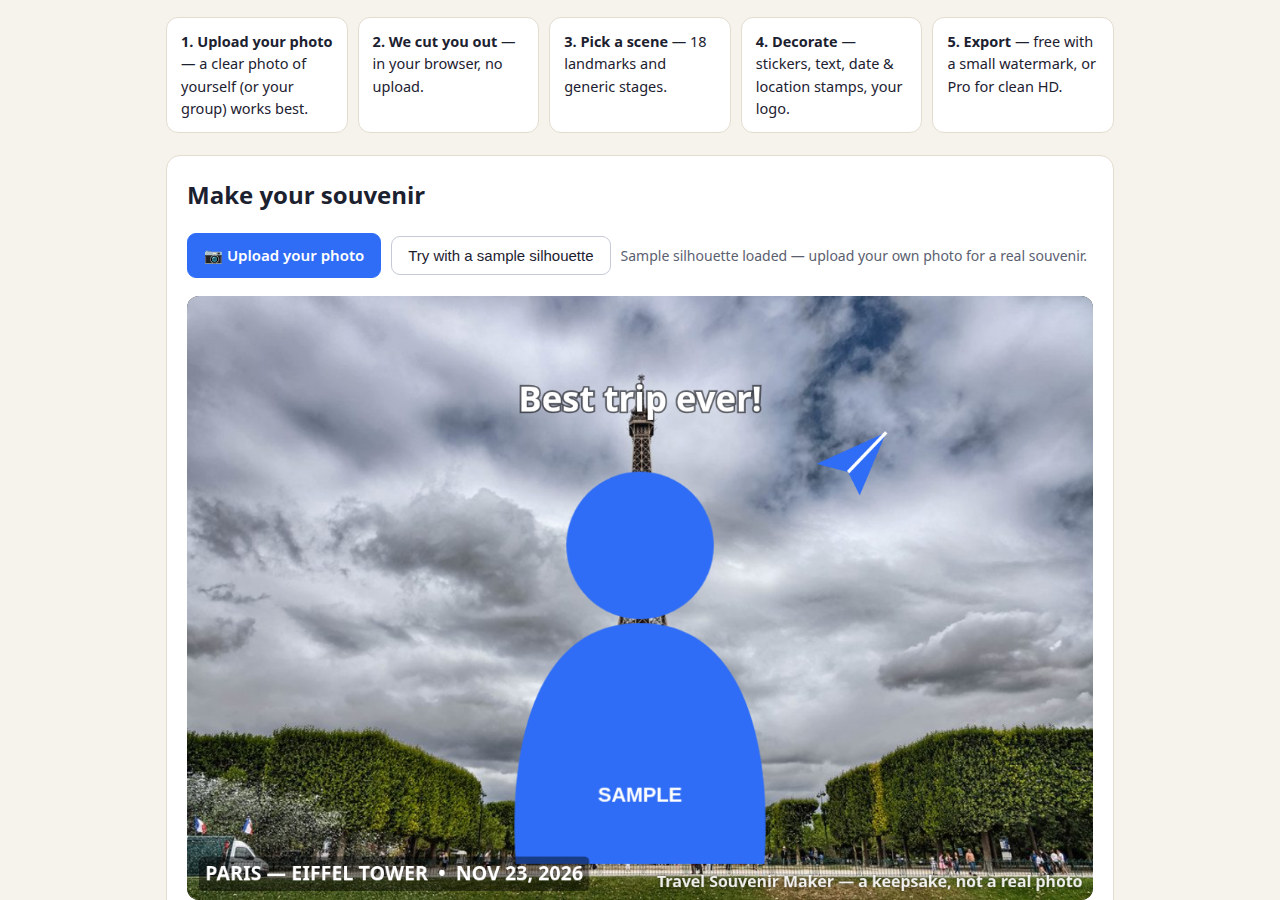
What the editor looks like
Everything happens on one screen: your photo in the middle, scenes on the side, sliders underneath. No account, no upload.
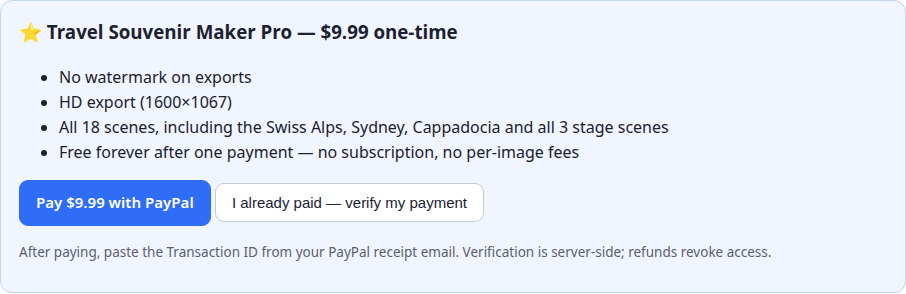
⭐ Travel Souvenir Maker Pro — $9.99 one-time
- No watermark on exports
- HD export (1600×1067)
- All 18 scenes, including the Swiss Alps, Sydney, Cappadocia and all 3 stage scenes
- Free forever after one payment — no subscription, no per-image fees
After paying, paste the Transaction ID from your PayPal receipt email. Verification is server-side; refunds revoke access.
Questions
Is this a real photo of me at the landmark?
No. This is a fun keepsake made from your own photo and a stock scene photo. It is clearly a souvenir — please do not present it as proof you were somewhere.
Can I put someone else in a scene, or a celebrity on stage?
No — please only use photos of yourself (or your own group, with their permission). The stage scenes are generic: no real artists, venues or event brands.
Is my photo uploaded anywhere?
No. The background removal runs in your browser with an on-device model, and the export is drawn on a canvas in your browser. We never see your photo.
What if the cutout looks rough?
The browser cutout is a quick silhouette, not a studio retouch — hair edges can be imperfect. Pick a high-contrast photo (plain background, good light) for the cleanest edge. A “full photo in a frame” fallback is offered if the cutout library fails to load.
What do I get with Pro?
$9.99 once: no-watermark HD exports and all 18 scenes. No subscription and no per-image fees. Pay with PayPal, then paste your Transaction ID to unlock.
Scene photo credits
Scene photos are free-license photos (Wikimedia Commons / Flickr CC0 & CC BY / Pexels). Attributions, where required: Paris — Mustang Joe (CC0); Santorini — Mstyslav Chernov (CC BY-SA 3.0); Tokyo, Great Wall, Maldives, Rome, London, New York, Dubai, Iceland, Bali, Venice, Swiss Alps, Sydney, Cappadocia — Wikimedia Commons contributors (CC BY / CC BY-SA / CC0); stage scenes — Pexels photos (free license). Full source list in llms.txt.